What’s New at Aspire: August 2026

A new Aspire interface, Contact Hub, configurable EMV, automatic content assignment, and affiliate recruiting. Here's everything we launched in August.
Every month, our product team ships dozens of updates based on what customers tell us is slowing them down. This month’s release covers our new-and-improved interface, a better way to recruit and reward affiliates, an all-in-one creator CRM, and lots more.
Here’s the rundown.
The New Aspire Experience
Aspire is moving to a new-and-improved interface! We’ve been rolling it out one page at a time, so your team doesn’t have to relearn the whole platform in the middle of a campaign.
Recruit, Contacts, Commerce, and Campaigns are already on the new layout, with a wider left navigation, refreshed icons, and ‘Offers’ now labeled ‘Commerce’ as we prepare to launch TikTok Shop integration in the coming months. Reporting is also moving over to the new interface very soon!
Affiliate Recruit
Recruiting is still the most time consuming part of running an affiliate program. Our new ‘Recruit’ tab within the Commerce Hub streamlines this process with a branded landing page affiliates apply through, built with your own logo, colors, fonts, and URL slug.
Additionally, when a creator mentions your brand on Instagram, a new automation checks their follower count and DMs them an invitation to apply, with different messaging depending on whether they clear your threshold.
Once creators apply, approval rules automatically screen every applicant on criteria you set (e.g. follower count, engagement rate, etc.). Anyone who qualifies is added to the offer automatically, with their payout, links, and coupons ready to go.
Learn more about Affiliate Recruit here.
Affiliate Automations
Affiliate rewards can now trigger on content, not just sales. Content performance rewards pay creators for posts tagging one of your connected Instagram, TikTok, or YouTube accounts, with qualifiers you set for minimum posts, engagement, or impressions, and payouts as discount codes, free product, or cash commission. Recurring rewards can also send products on a monthly or quarterly schedule to make sure your affiliates always have something to talk about.
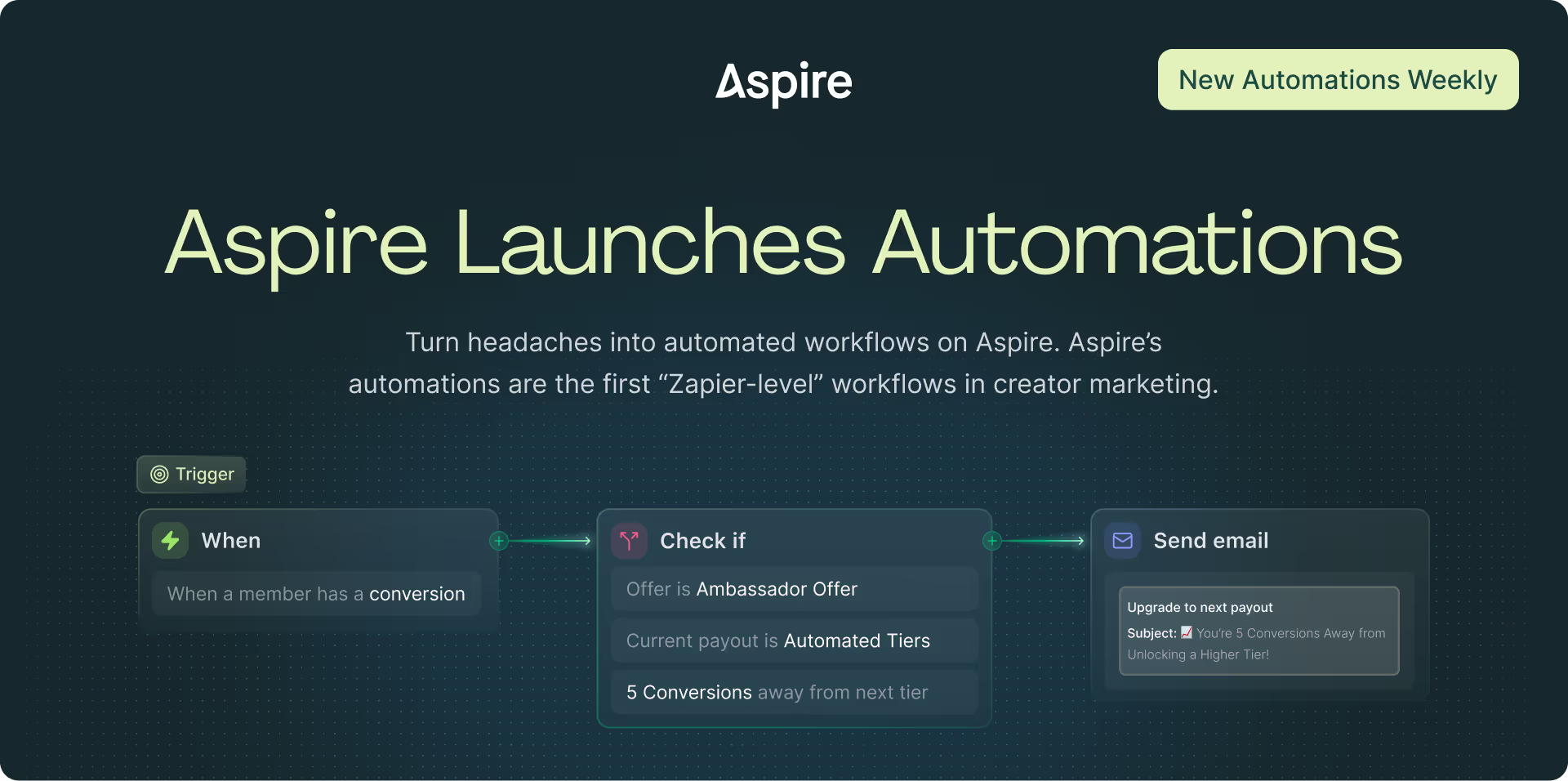
We’ve also released 3 new email automations to keep creators posted on their own progress:
- Tier Progress Nudge, at a set percentage toward their next payout tier (default 70%)
- Conversion Milestone Reached, at a cumulative conversion target (default 1)
- Sales Milestone Reached, when total sales cross a dollar threshold (default $100)
Learn more about reward and milestone automations here.
New to automations in general? Start with this rundown.
Contact Hub
Creator information has a habit of scattering across emails, spreadsheets, and Slack threads. So we consolidated it into the Contact Hub, your all-in-one creator CRM. Contact details, campaign data, ROI, affiliate and ad performance, and social analytics now sit in one place.
Aspire’s Contact Hub provides saved views for the reports teams ask for most:
- ROI Report: Total ROI, sales cost ROI, social CPM, and CPE
- Affiliate Report: Clicks, conversions, sales, commissions, and average sale
- Ads Performance: Impressions, reach, clicks, spend, ROAS, CTR, CPM, and CPC
- Social Performance: Posts, engagement rate, impressions, and TMV
Filter by project, tag, group, or custom field, save any view for the whole team, and generate a view-only link for someone outside the platform.
Learn more about the Contact Hub here.
Content Auto Assignment
The Content Hub also picks up a dedicated ‘Analytics’ tab with deeper performance data, plus filters for post performance, offers, and caption or keyword search. You can request usage rights straight from a post instead of backtracking to find the creator, compare two pieces of content side by side, and share a view with people outside the platform.
The bigger change is underneath. When a creator is in multiple campaigns at once, their posts don't arrive with a label saying which one they belong to, so content ends up unassigned or counted against the wrong campaign, and nobody catches it until the quarterly review.
Published content now assigns to a single campaign by clear priority:
- Hashtag or keyword match added at the campaign level or within an Offer
- Single-campaign default, if the creator is only active in one
- Recent activity, the campaign they were most recently engaged in
- Offer, for posts tied to one
If none of these match, the content is unassigned, and can be manually assigned in the Content Hub or you can rerun assignment whenever things shift. Manual assignments are never overwritten.
Learn more about content auto assignment here.
Custom EMV
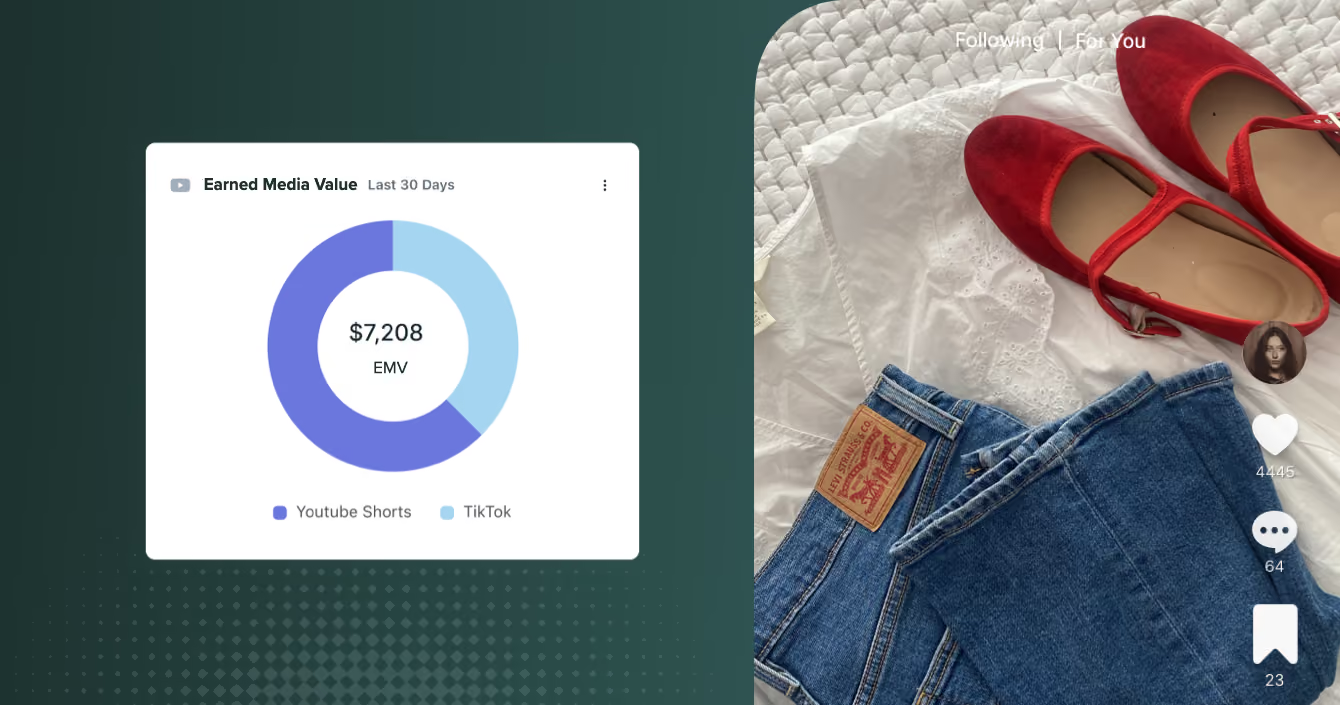
Every platform calculates EMV a little differently, which leaves you presenting a number to leadership that you can't fully explain.
Now, you can set the following inputs yourself, so the value Aspire reports matches the formula your team already uses:
- Base values: The dollar amount for each interaction type (impressions, likes, comments, shares, saves), by network and post type
- Creator tier weights: Multipliers by tier, above 1.0 to reward higher tiers or below to discount lower ones
The defaults are anchored to current CPM benchmarks, so you don’t have to start from scratch. Once you do change a setting, your historical posts will recalculate immediately across every dashboard and export. Configuration is admin-only, and you can revert to the defaults anytime.
Learn more about custom EMV here.
What’s Next
Our product team is already deep into the next round of updates and new features, and two of them are in beta right now. Recruit Hub puts creator discovery in one place and turns a plain-language description of who you're looking for into the actual search. We're also testing a reimagined Campaigns experience. You can opt-in to these betas within your Aspire Settings > Workspace > Beta Features.
In the meantime, if there’s anything that keeps costing you time, we want to hear about it. Tell your Customer Success Manager, or get in touch with us.