How to Prompt Aspire's AI Creator Search: 5 Best Practices

Get better results from Aspire's AI Creator Search with these 5 prompting best practices.
AI has quickly become a critical layer of influencer marketing, powering everything from campaign planning to performance optimization. In fact, 59% of marketers say they use AI in their influencer operations, and one of the biggest shifts has been in creator discovery.
Instead of manually sorting through profiles, brands can now use Aspire’s AI Creator Discovery to search in plain language to find well-aligned partners. Still, we've heard from some brands that knowing how to phrase that search is harder than it looks.
The good news is that prompting creator search is a quick and easy skill to learn. Below are 5 best practices to follow when using Aspire’s AI Creator Search, directly from our product team.
How Aspire’s AI Creator Search Works
Aspire’s AI Creator Search lets you describe your ideal creator in natural language. You can include content niche, topics, location, follower count, engagement rate, and audience characteristics. Our platform interprets your request, translates it into the right filters, and recommends creators who best match your criteria.
Every result comes with platform-verified metrics, including engagement rate, audience demographics, recent posts, and past brand partnerships. From there you can add creators to a campaign, drop them into a group, or send an invite without leaving search.
Here are a few examples of what a search can look like:
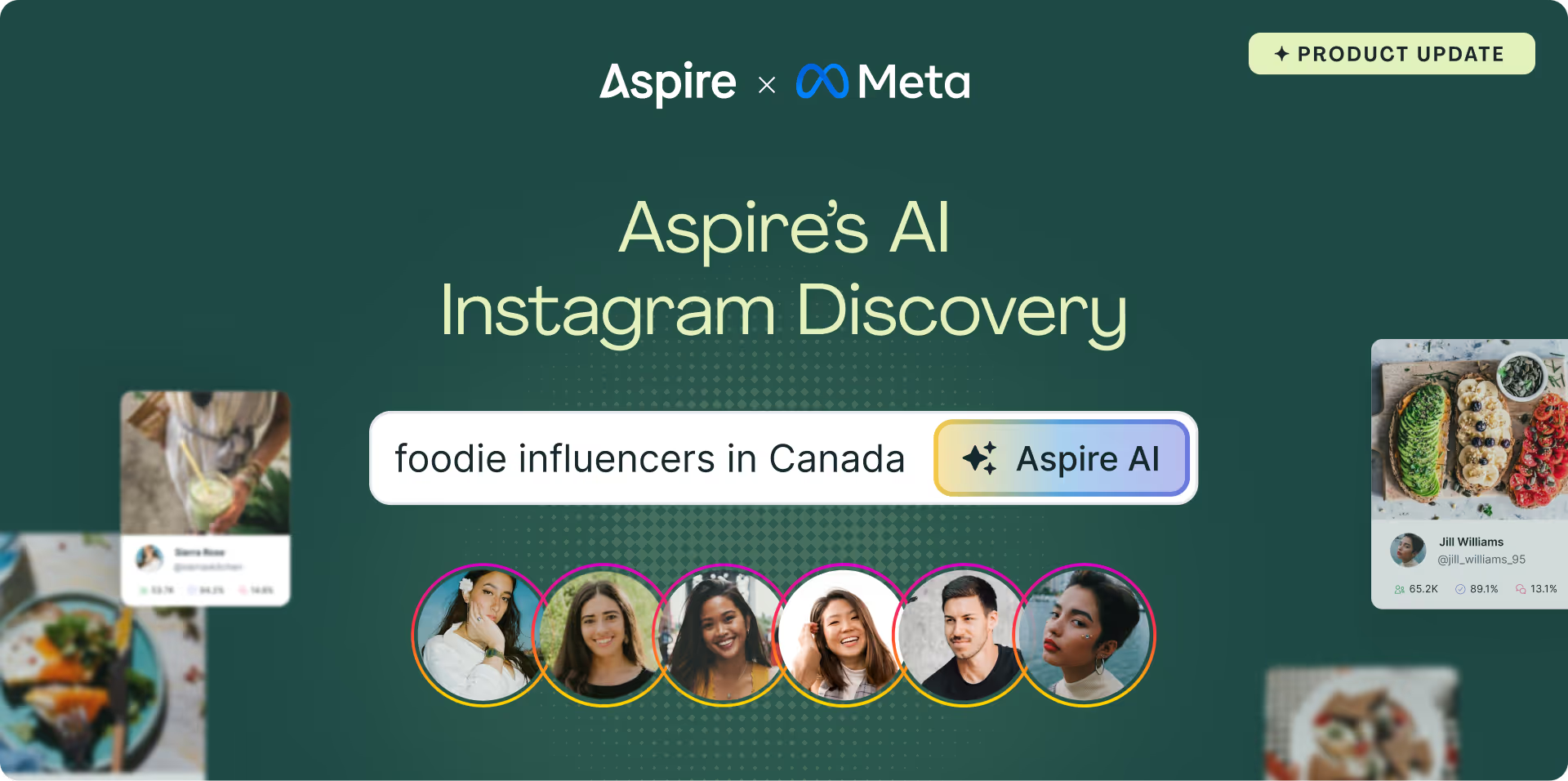
- "Foodie influencers on Instagram with engagement over 3% in Canada"
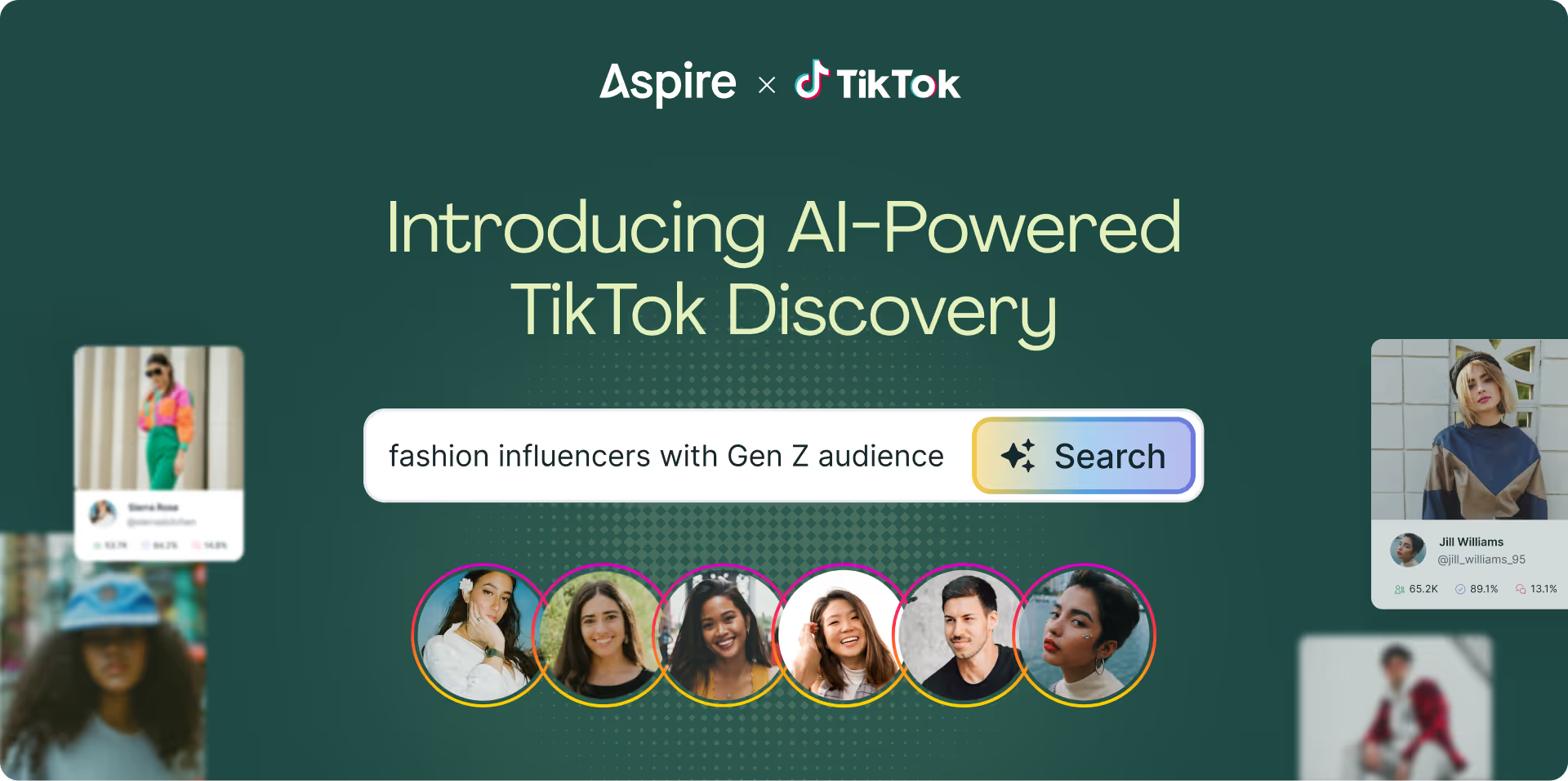
- "TikTok fashion creators in the United States with 10K-50K followers"
- "YouTube creators posting work from home tips"
With a bit more structure, these prompts can do even more heavy lifting. Follow the best practices below to build a shortlist of well-aligned creators.
5 Best Practices for Prompting Creator Discovery
1. Start with the platform and the niche
Platform and niche are the two anchors the AI builds everything else around, so put them first. For example, "TikTok skincare creators" gives the search a clear starting point.
If you're sourcing across platforms, run a separate search for each one. Instagram, TikTok, and YouTube creators are measured differently, and a single blended prompt won’t yield the result you are looking for.
2. Describe the content, not just the category
"Fitness creators" is a category. "Fitness creators who post beginner-friendly home workouts" describes what the creator actually makes, and it's the difference between a list of gym influencers and a list of people your customers would relate to.
Think about the format, style, and subject matter you'd want to see in a partnership post. Product reviews, get-ready-with-me videos, recipe tutorials, day-in-the-life vlogs, talking-to-camera explainers. The more specific the content description, the more relevant the matches.
3. Use real numbers, and set realistic thresholds
Follower ranges and engagement minimums are where the AI does its most precise work, so give it numbers rather than adjectives. "10K-50K followers with at least 4% engagement" will always outperform "mid-sized creators with good engagement."
Make sure your thresholds are grounded in what's typical for the tier you're targeting. Our platform data shows average engagement rates as follows:
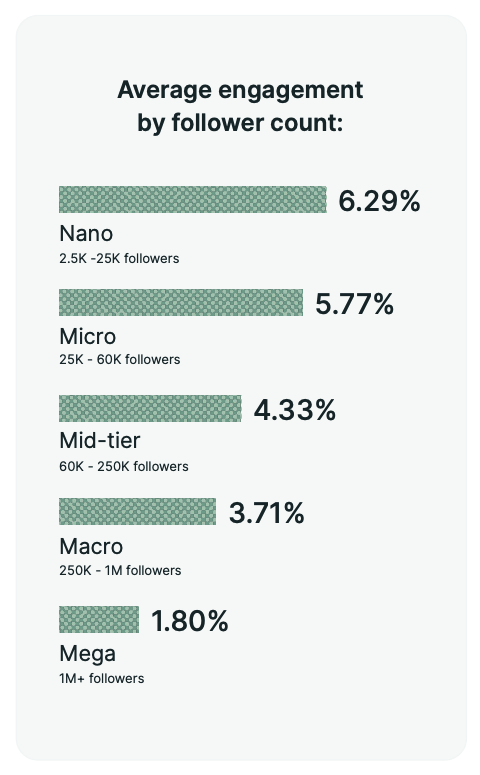
Asking for 8% engagement from creators with 200K followers will shrink your results to a handful. Setting the floor near the tier average keeps the list full while still filtering out the underperformers.
4. Separate who the creator is from who their audience is
A creator based in Los Angeles might still have an audience that's mostly in Texas. A millennial parenting creator might have an audience that skews Gen Z.
When audience fit matters more than creator fit, say so explicitly. "Instagram creators whose audience is mostly women 25-34 in the United States" tells the AI to look at audience demographics, not just the creator's profile. If both matter, include both.
5. Start broad, then refine in conversation
You don’t need to cram every requirement into the first prompt. A focused first search with 2-3 criteria gives you a sense of what's out there. Then tighten from the results, which you can do in two ways:
- Keep chatting with the AI. Ask something like "Limit results to creators with fewer than 100K followers and at least a 2% engagement rate," and the AI automatically applies the right filters to your results.
- Adjust filters manually. Select the ‘Filters’ icon to open the filter panel and add or remove criteria yourself. This is useful when you want to toggle a single setting on and off to see how it changes the list.
When you find a creator who's exactly right, use ‘Similar Creators’ to surface others with the same audience makeup and content style.
Better prompts, better shortlists
AI search makes creator discovery faster, but you still bring the part it can't: knowing what a great partner looks like for your brand. Be specific about the content, honest about the numbers, and deliberate about the audience you want to reach. Then let the AI do the rest.
Ready to find creators faster? Book a demo to see AI Creator Discovery in action.
Frequently Asked Questions
What can I include in an AI Creator Discovery prompt?
You can include content niche, topics, platform, creator location, follower count, engagement rate, and audience characteristics like location, age, and gender. The AI interprets your description and applies the matching filters automatically.
How do I narrow down my AI Creator Discovery results?
You can keep chatting with the AI to adjust your criteria (for example, "limit results to creators with fewer than 100K followers") or open the filter panel by selecting the Filters icon and add or remove criteria manually.
Why is my AI creator search returning too few results?
Usually the prompt has too many requirements or an unrealistic engagement threshold for the follower range. Start with 2-3 criteria, and set engagement minimums close to the average for the creator tier you're targeting.
Is the creator data in AI Creator Discovery accurate?
Results are enriched with platform-verified metrics, including engagement rates, audience demographics, typical views, and past brand partnerships, so you're vetting creators on first-party data rather than self-reported numbers.